Find your place.
Pick up where you left off.
Open PDFs and supported Office files. Search and sort your documents, revisit recent files, or bookmark the ones you reach for most.
YOUR EVERYDAY ANDROID COMPANION
Read, organize, scan, and sign. Bring your everyday documents together, right on your phone.
Made for Android No account needed
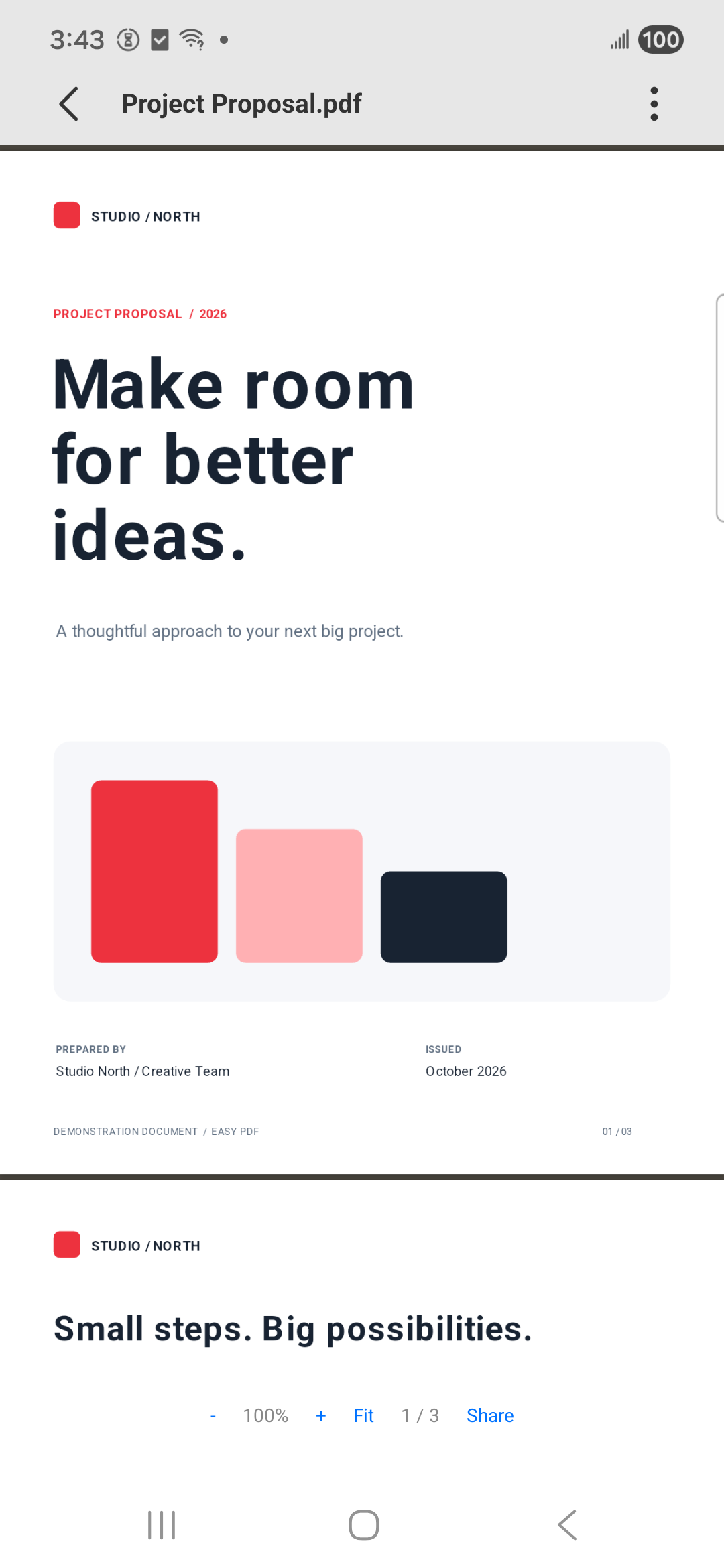
Different files.
One familiar place.
For work, study,
and everything in between.
LESS FRICTION. MORE DONE.
From the first page to the final signature, keep the little tasks moving.
Open PDFs and supported Office files. Search and sort your documents, revisit recent files, or bookmark the ones you reach for most.
A little order goes a long way.
Simple tools for the paperwork
that comes your way.
Choose a document with Android’s file picker and start reading.

Bring selected photos together in one easy-to-share PDF.

Use your camera to capture pages and create a PDF.

Draw a handwritten signature and place it on a PDF page.

Create a password-protected copy of a PDF.

Use a known password to save an unlocked copy.
YOUR DOCUMENTS ARE PERSONAL
Document processing happens on your device. Easy PDF does not automatically upload your documents to our servers, and the current app has no advertising or analytics SDKs.
Read our Privacy PolicyA FEW GOOD QUESTIONS
The everyday details, explained.
No. You can use Easy PDF without signing up or creating an account.
Easy PDF processes documents on your device and does not automatically upload them to our servers. If you choose to share a file or use a cloud-backed file provider, that service handles the file under its own policy. Android system backup and device transfer may also include eligible app data, depending on your settings. See our Privacy Policy for details.
File access lets Easy PDF find and manage supported documents on your device and save generated PDFs. You can also open individual documents with the Android file picker. Declining broad storage access limits automatic discovery and some tools. You can change permissions in Android settings.
Easy PDF supports PDF reading and previews for supported Word, Excel, and PowerPoint formats, including DOCX, XLSX, and PPTX. Support and layout fidelity depend on the file format and document contents. Some legacy or protected Office files may not be supported.
Generated PDFs are saved in your phone’s Download/EasyPDF folder. Files saved in shared storage can remain there after you uninstall the app. You can manage them in Easy PDF or your phone’s file manager.
A REAL PERSON, AN EMAIL AWAY
Questions about the app or your privacy?
Drop us a line.